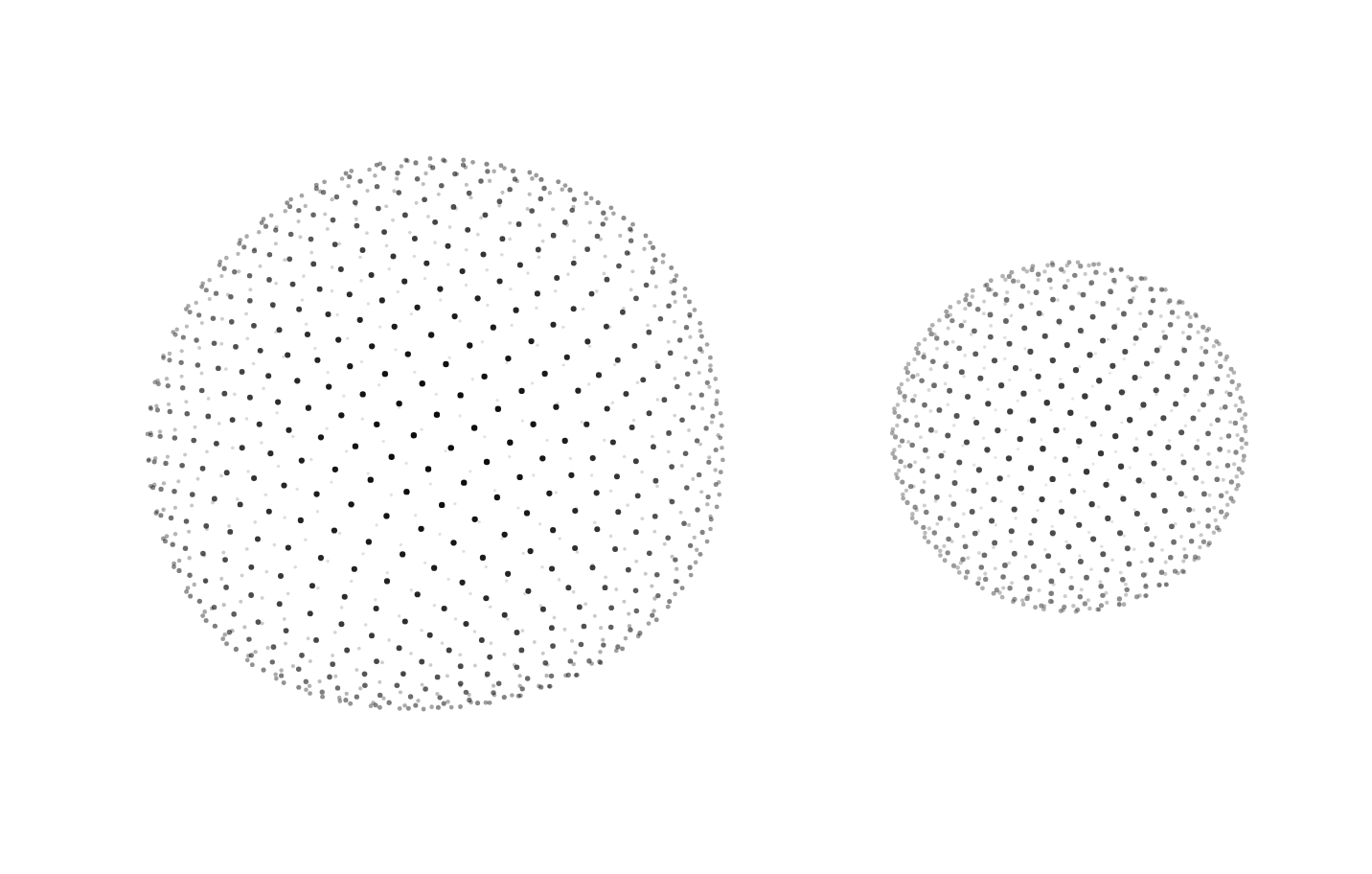
Usage
import { DottedSphere } from "@/registry/components/dotted-sphere/dotted-sphere";

<DottedSphere />
Props
| Prop | Type | Default | Description |
|---|---|---|---|
size? | number | 320 | Width and height in px. |
dots? | number | 1000 | How many dots. 600 to 1,500 reads well between 240 and 480 px. |
dotSize? | number | 1.6 | Radius of a dot on the front face, in px. Dots at the back are about half that. |
color? | string | "currentColor" | Dot colour. Any CSS colour or token, such as "var(--accent)". Follows theme switches. |
mode? | DottedSphereMode | "float" | float: slow turn while the surface breathes in waves. rotate: a steady spin you can drag and fling. |
speed? | number | 1 | Speed multiplier for the turn and the waves. 0 holds still. |
tilt? | number | 16 | Tilt of the spin axis towards the viewer, in degrees. |
wave? | number | 0.07 | How far the float waves lift the surface, as a share of the radius (0 to 0.2). |
interactive? | boolean | true | Let the pointer dent the front face (and drag in rotate mode). |
paused? | boolean | false | Draw one still frame and stop. |
label? | string | Accessible name. With it the sphere is role="img"; without it, it is decorative and hidden. |
Also accepts every prop of Omit<HTMLAttributes<HTMLDivElement>, "color">.
When to use
A calm, technical centrepiece for a hero, a launch or waitlist page, an empty state or an "about the network" section, where a globe-like object says global, connected or data without drawing a real map.
When not to use
Real geography or locations (use a map); many on one screen; behind body text without a contrast layer; a status indicator for an agent (liquid-orb, robot-head).