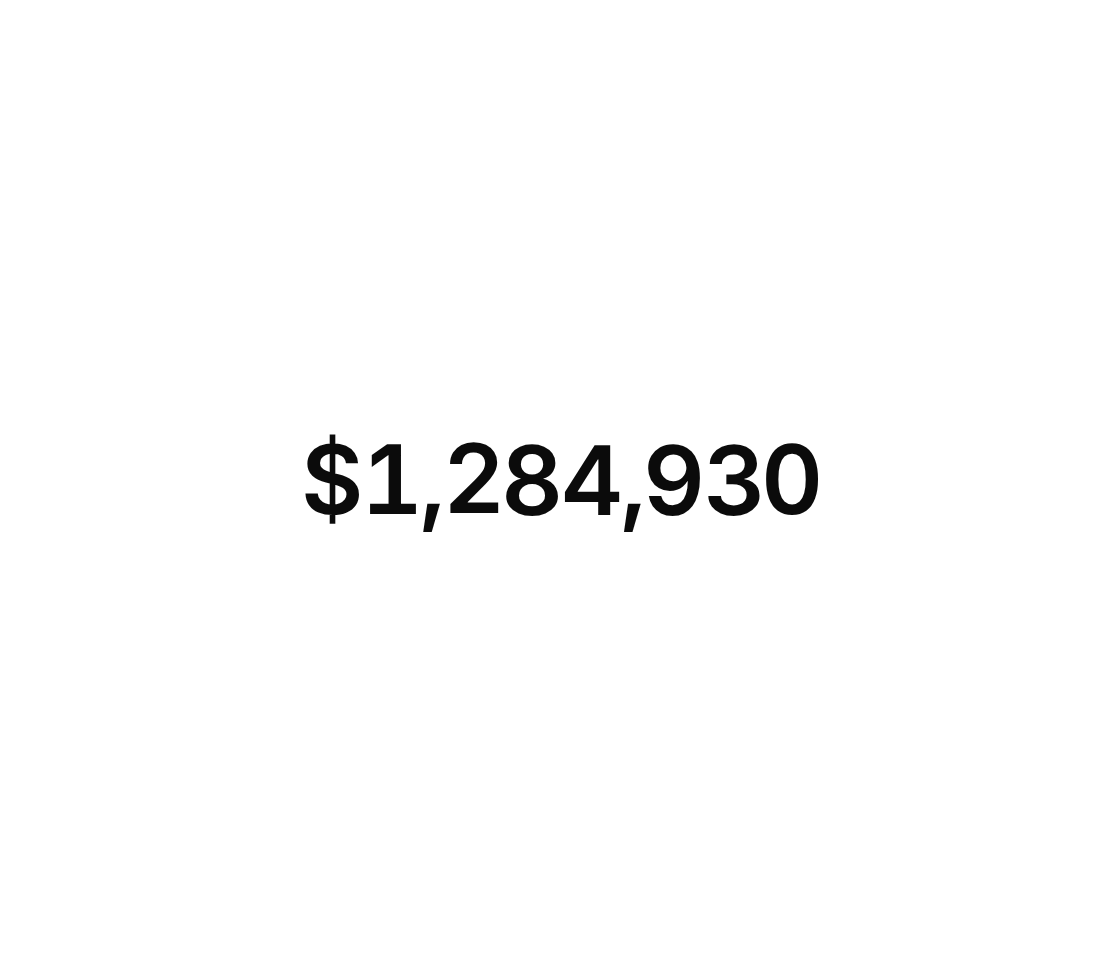
Usage
import { NumberTicker } from "@/registry/components/number-ticker/number-ticker";

<NumberTicker value={0} />
Props
| Name | Type | Default | Description |
|---|---|---|---|
| value | number | The number to show – change it and the digits roll to the new value | |
| format | Intl.NumberFormatOptions | Formatting, e.g. currency, percent, compact notation or fraction digits | |
| locale | string | browser locale | Locale passed to Intl.NumberFormat, e.g. "en-US" or "de-DE" |
| duration | number | 900 | Length of a roll in milliseconds |
| delay | number | 0 | Wait before the first count-in, in milliseconds |
| className | string | Extra class on the wrapper – font size, weight and color are inherited |
When to use
- KPIs, prices and counters that change while the user is looking, like dashboards or live stats - Headline numbers on a landing page that should count in when they scroll into view
When not to use
Numbers that change many times a second.