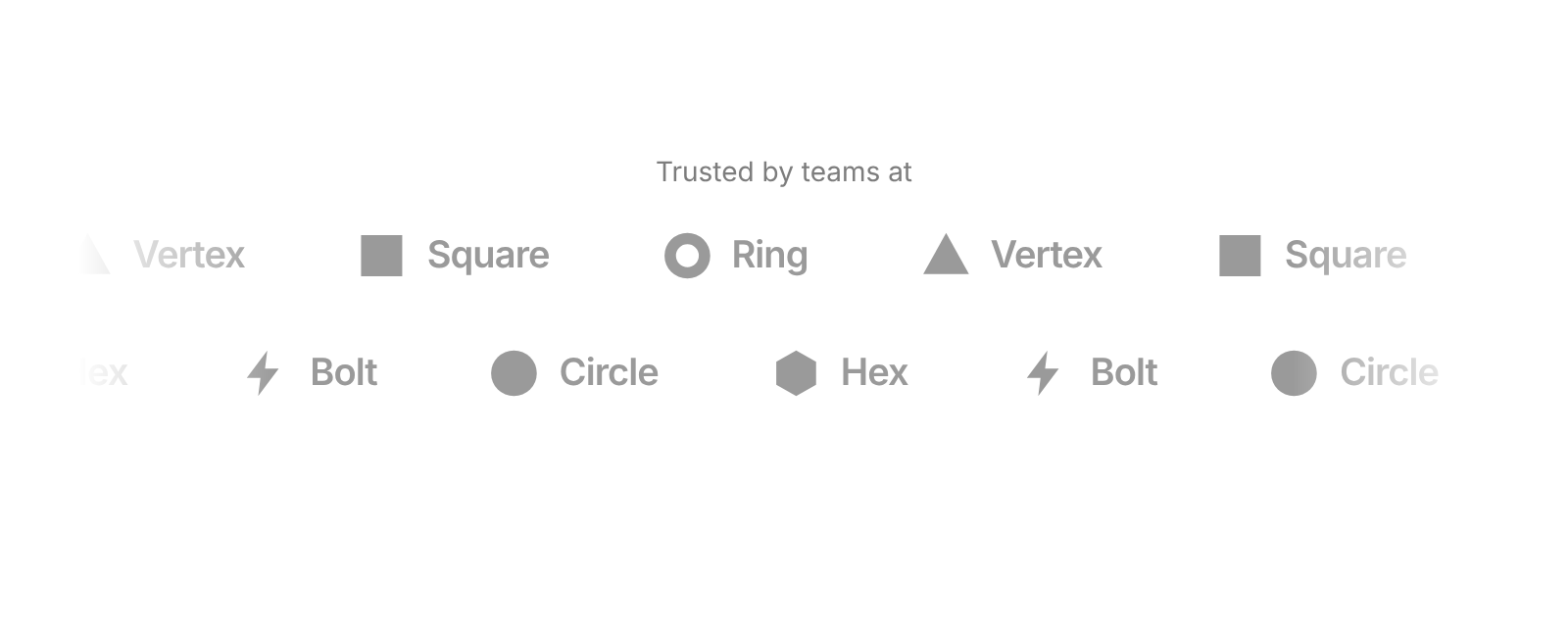
Usage
import { LogoMarquee } from "@/registry/blocks/logo-marquee/logo-marquee";

<LogoMarquee logos={[/* … */]} />
Props
| Name | Type | Default | Description |
|---|---|---|---|
| logos | { name, svg?, src?, color?, scale?, href? }[] | The logos. svg is a ReactNode – use fill="currentColor" so it follows the muted colour; src takes an image instead. color is the brand colour it lifts to on hover, scale corrects optical size, href makes it a link | |
| speed | number | 40 | Pixels per second – the same pace on any width |
| direction | "left" | "right" | "left" | Which way the first row runs |
| rows | 1 | 2 | 1 | Two rows split the logos alternately and run in opposite directions |
| gap | number | 56 | Space between logos in px; about 60 % of it on narrow containers |
| pauseOnHover | boolean | true | Ease to a stop while hovered or focused with the keyboard, and speed back up on leave |
| grayscale | boolean | true | Muted, colourless logos; the hovered one lifts to its brand colour. Off shows full colour and dims the others on hover |
| labels | "none" | "below" | "beside" | "none" | Show the brand name as a small caption under the mark, or beside it like a wordmark |
| label | string | "Logos of companies using the product" | Accessible name of the strip |
| className | string | Extra class on the wrapper |
When to use
- A “Trusted by” or “Used by teams at” strip under a hero or above pricing - Showing more customer, partner or integration logos than fit in one static row
When not to use
Text tickers (marquee) or logos users need to click.