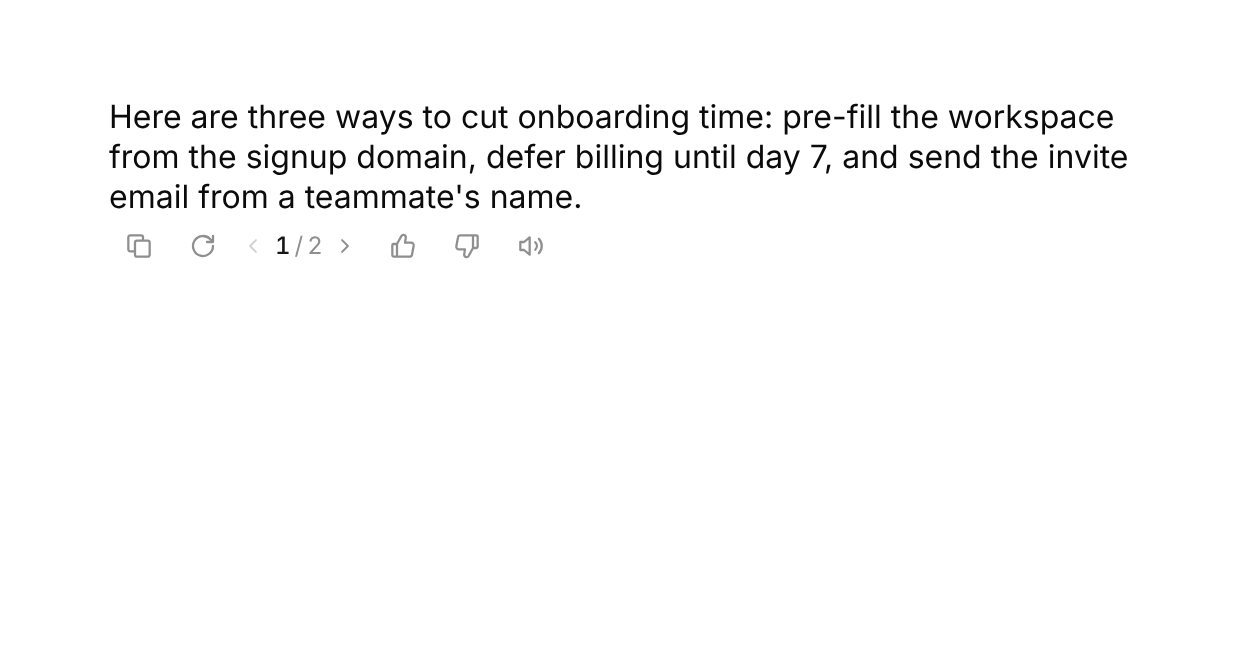
Usage
import { MessageText } from "@/registry/components/message-actions/message-actions";

<MessageText version={/* … */}>Label</MessageText>
Props
| Name | Type | Default | Description |
|---|---|---|---|
| text | string | The message text – Copy writes it to the clipboard, and an uncontrolled read aloud is timed by its length | |
| actions | MessageActionKey[] | ["copy", "regenerate", "feedback", "speak"] | Which actions to show and in what order. feedback is the thumbs up and down |
| versions | number | string[] | 1 | All versions of the message, or just how many there are. From two on the "‹ 2 / 3 ›" switcher unfolds next to Regenerate |
| version | number | Controlled version, 0-based | |
| defaultVersion | number | newest | Starting version when uncontrolled. Uncontrolled, the switcher jumps to a version as soon as it is added |
| onVersionChange | (index: number) => void | Called with the version picked in the switcher | |
| onCopy | (text?: string) => void | Called after Copy, with text | |
| onRegenerate | () => void | Called when Regenerate is pressed – add a version to versions and it shows up in the switcher | |
| regenerating | boolean | false | Keeps the arrow spinning and the bar lit while a new version is written |
| onFeedback | (kind: "up" | "down" | null, reason?: string) => void | Called with the vote right away, with null when it is taken back, and once more with "down" and a reason when the feedback row is sent. A new version starts without a vote | |
| reasons | string[] | Not accurate, Too long, Didn't follow instructions, Other | Quick reasons in the feedback row. "Other" unfolds a small text field whose words are sent as the reason |
| onSpeak | (playing: boolean) => void | Called with true when Read aloud starts and false when it stops | |
| speaking | boolean | Controlled playing state – tie it to your speech player. Without it the bar plays for speakDuration and stops on its own | |
| speakDuration | number | from text, at least 2600 | How long an uncontrolled read aloud plays, in ms |
| quiet | boolean | true | Faded until the message (an ancestor with data-ui-message) or the bar is hovered or focused. Touch screens always show it fully |
| label | string | "Message actions" | Accessible name of the bar |
| className | string | Extra class on the root |
When to use
- Under every assistant message in a chat – copy, try again, rate and listen without leaving the conversation - Wherever a model can answer more than once and people should be able to flip between the answers - When you collect feedback on answers and want a reason, not just a thumb
When not to use
Social reactions (reaction-bar).
Related
Thinking loader · Tool call card · Comment thread · Prompt input