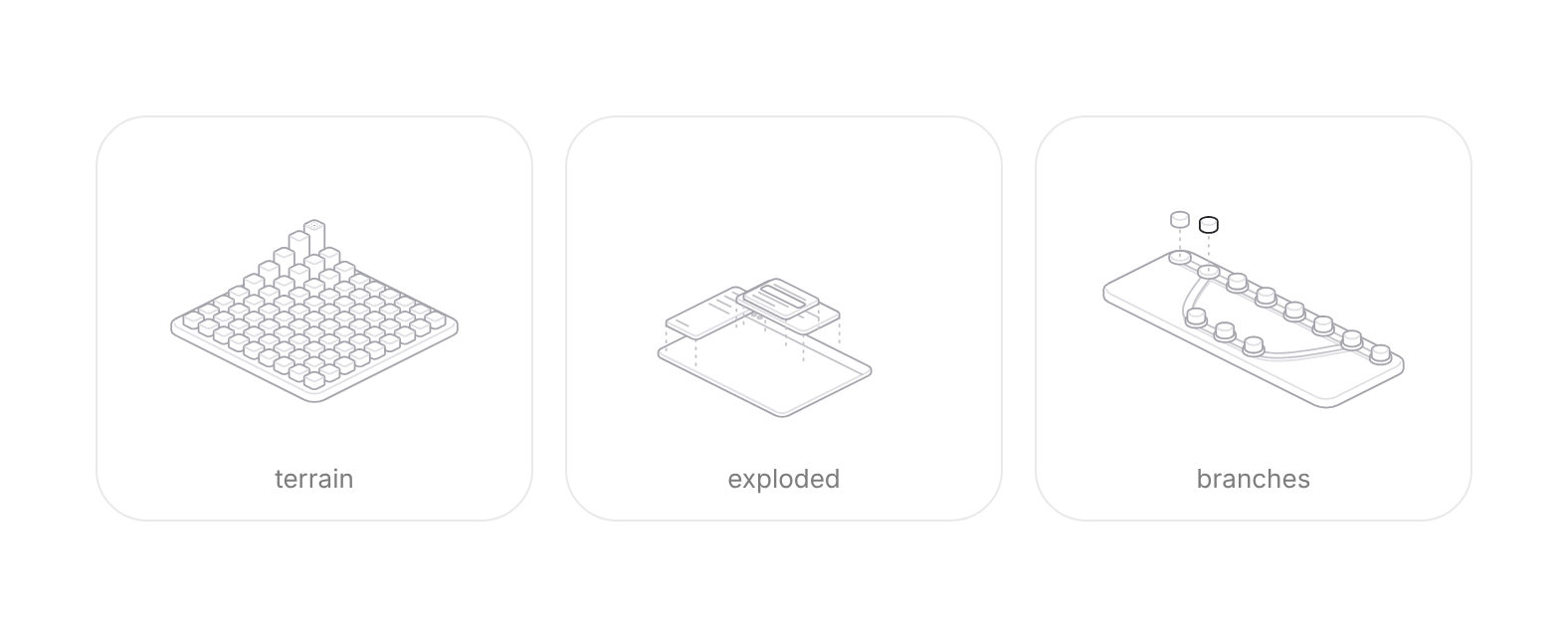
Usage
import { HairlineFigure } from "@/registry/blocks/hairline-figure/hairline-figure";

<HairlineFigure figure={/* … */} />
Props
| Prop | Type | Default | Description |
|---|---|---|---|
figure | HairlineFigureName | Which drawing. "terrain" (pillars), "exploded" (app layers), "terminal", "branches", "hub", "plot" and "query" suit SaaS UI best. | |
intensity? | number | 0.5 | How strongly it answers the pointer, 0 (subtle) to 1 (strong). |
theme? | "auto" | "light" | "dark" | "auto" | "auto" follows data-theme="dark" or .dark on an ancestor, then color-scheme. |
label? | string | Accessible name. Each figure has an English description by default. | |
play? | boolean | false | Walk through its answer on its own until the pointer or focus arrives. Rests under reduced motion. |
onRead? | (text: string) => void | The figure's caption whenever it changes, such as "03" or "gap 28.0". | |
plate? | string | Colour the figure's plates are filled with. Match it to what the figure sits on. | |
stroke? | number | Stroke width in CSS pixels at any size. |
When to use
Empty states, feature and bento cards, docs and hero sections that need a calm illustration that reacts to the pointer, for developer and SaaS products (terrain, exploded, terminal, branches, hub, plot, query, stack).
When not to use
Data that must be read precisely (use a chart); photographic or brand illustration; anything inside a dense task flow where motion distracts.