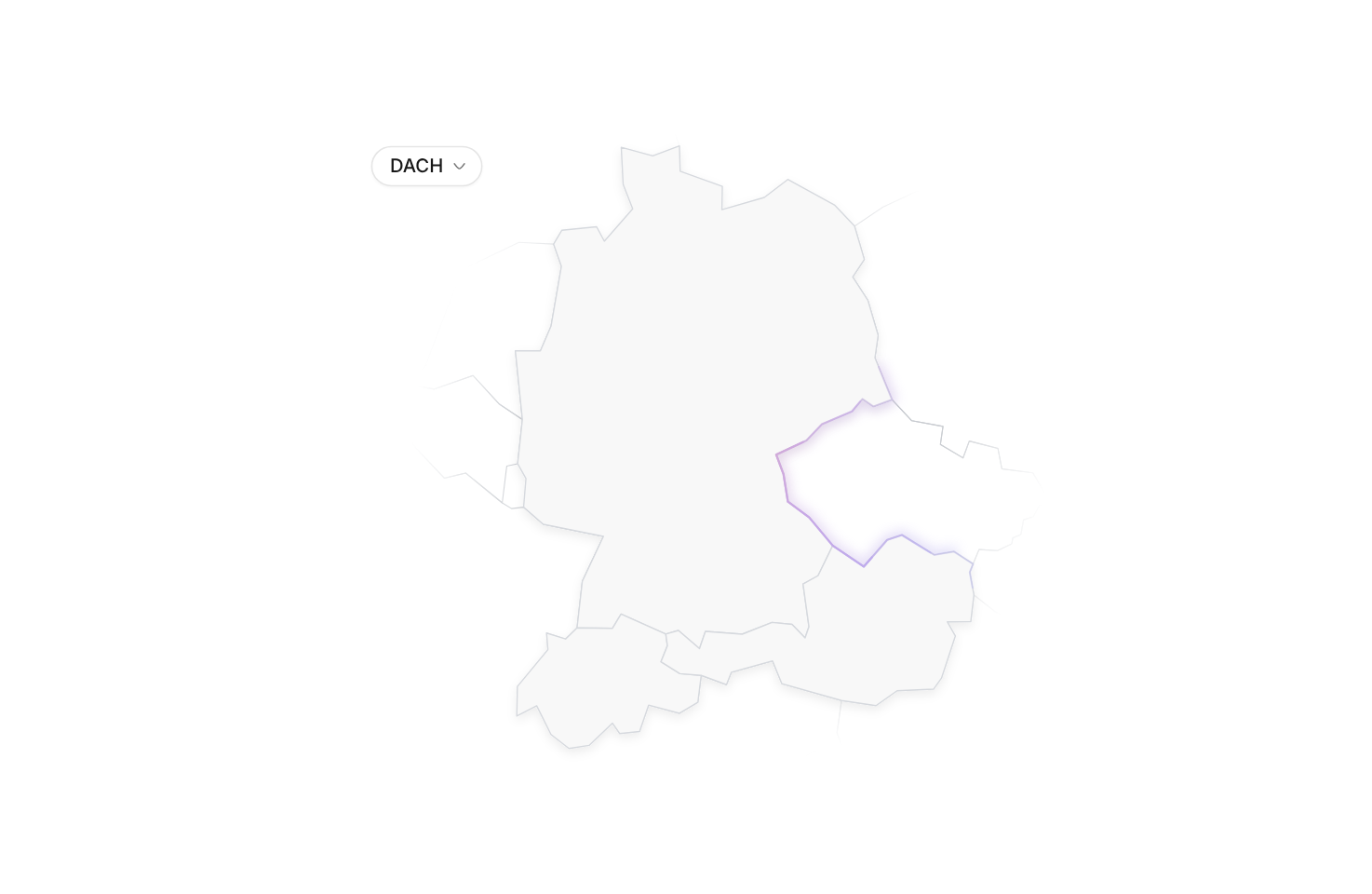
Usage
import { RegionDach } from "@/registry/blocks/region-dach/region-dach";

<RegionDach />
Props
| Name | Type | Default | Description |
|---|---|---|---|
| region | "dach" | "us" | "cn" | "in" | "br" | "jp" | Shown region (controlled). Pair it with onRegionChange to keep the menu working | |
| defaultRegion | Region | "dach" | Region shown first when region is not set |
| onRegionChange | (region: Region) => void | Called when the viewer picks a region in the menu | |
| showSwitcher | boolean | true | Show the region menu in the top-left corner |
| label | string | ((region: Region) => string) | "Map of the DACH region: Germany, Austria and Switzerland" / "Map of Japan" … | Accessible description of the map; by default it follows the current region |
| className | string | Extra class on the root, e.g. for width or margins |
When to use
- Showing a service area, sales territory or market focus in Germany, Austria and Switzerland - Sections about regional exclusivity or local presence in one of the larger markets (US, China, India, Brazil, Japan), next to a short text
When not to use
Interactive app UI; these are illustrations, so keep them out of task flows.