Usage
import { StateCatalog } from "@/registry/blocks/state-catalog/state-catalog";

<StateCatalog shots={[/* … */]}>Label</StateCatalog>
Props
| Prop | Type | Default | Description |
|---|---|---|---|
title? | string | "State catalog" | |
subtitle? | string | ||
shots | StateShot[] | ||
bugs? | StateBug[] | [] | |
defaultStatuses? | StateStatus[] | [] | Status chips that start selected; empty = all |
defaultViewports? | StateViewport[] | [] | Viewport chips that start selected; empty = all |
className? | string |
When to use
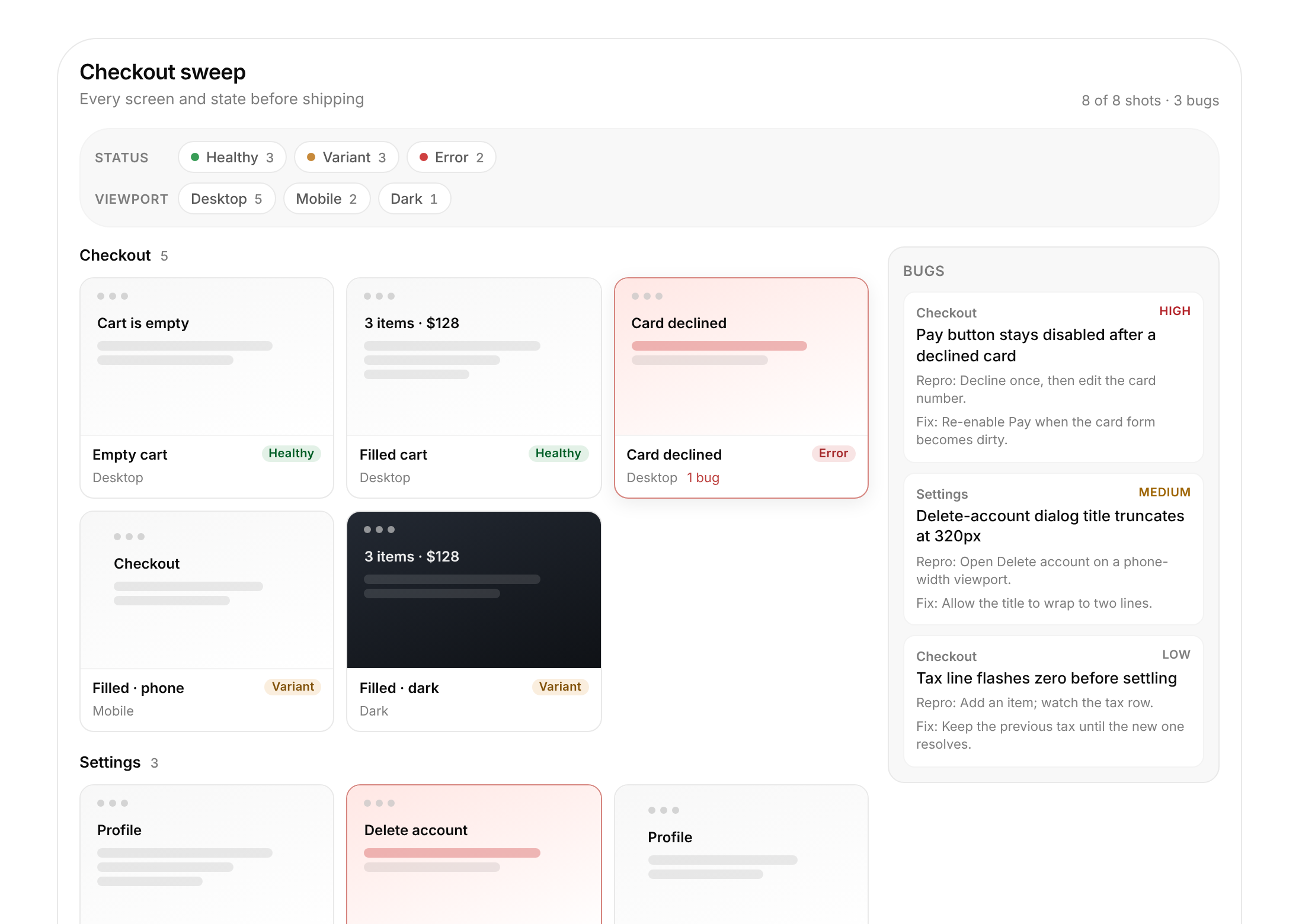
Showing every state of a feature after a UI sweep: screenshots grouped by screen, filtered by status and viewport, with bugs next to the gallery.
When not to use
A single before/after cleanup (use design-tweak); a product image gallery without statuses or bugs; live capturing screenshots (that is ui-sweep itself).