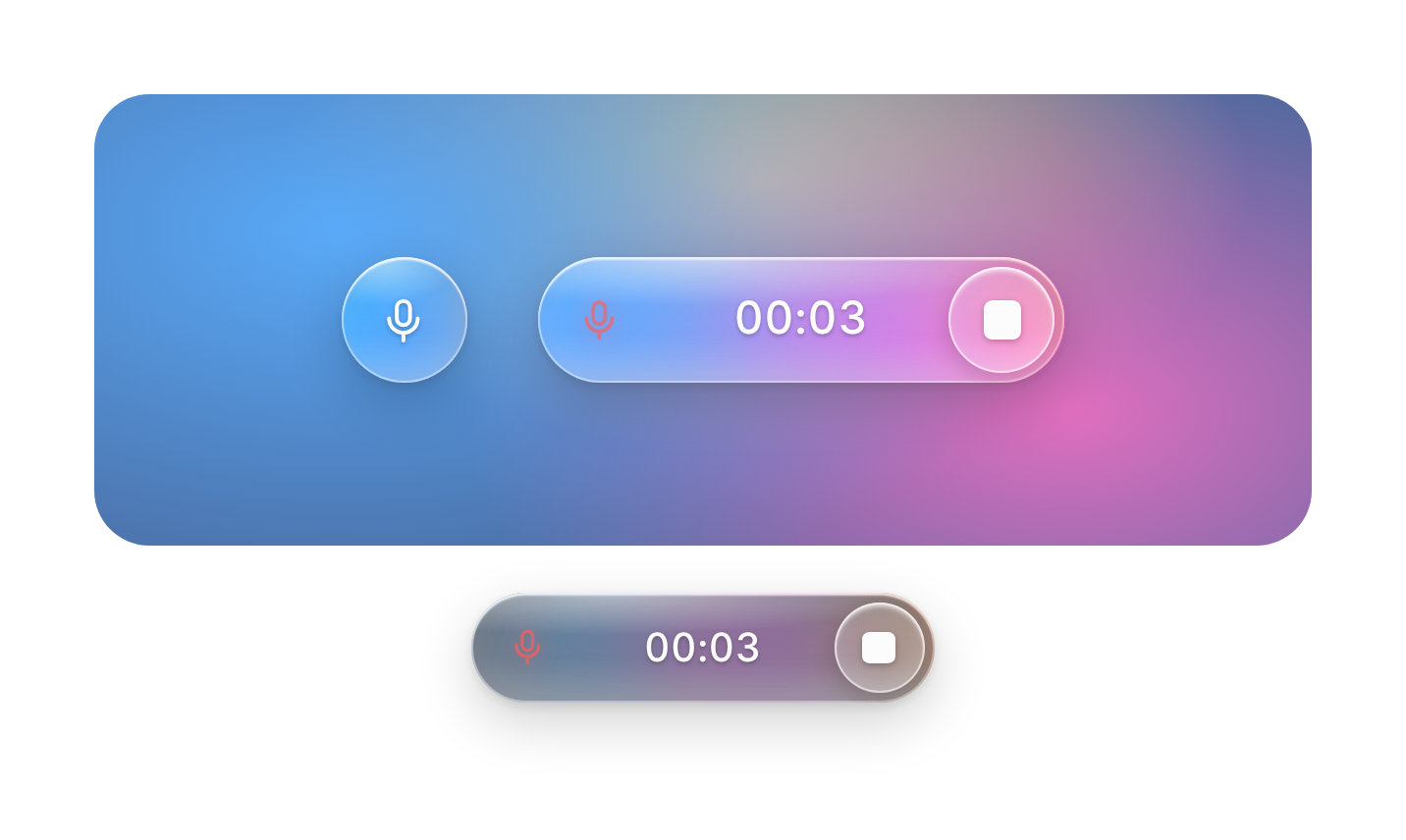
Usage
import { GlassRecorder } from "@/registry/components/glass-recorder/glass-recorder";

<GlassRecorder />
Props
| Prop | Type | Default | Description |
|---|---|---|---|
recording? | boolean | Controlled recording state. Leave it out to let the button manage itself. | |
defaultRecording? | boolean | false | Start in the recording state (uncontrolled). |
onRecordingChange? | (recording: boolean) => void | Called when the state changes, from a tap, Escape or maxDuration. | |
onComplete? | (recording: GlassRecording) => void | Called with the audio when a recording ends with the stop button or maxDuration. Escape discards instead. | |
onError? | (error: unknown) => void | Called when the microphone can't be opened (permission denied, no device, insecure page). | |
microphone? | boolean | true | Open the microphone and record while active. Off: no permission prompt; the glow follows level or breathes on its own. |
level? | number | Voice level 0 to 1 from your own audio pipeline. Overrides the built-in meter. | |
maxDuration? | number | Stop on its own after this many seconds. | |
size? | number | 56 | Height of the button in px. The pill is about four times as wide. |
colors? | string[] | ["oklch(72% .19 255)", "oklch(70% .22 320)", "oklch(80% .16 45)"] | Two to four colours for the glow inside the glass. |
tone? | "smoke" | "clear" | "smoke" | smoke is a darker glass that keeps the white timer readable on any page. clear is for colourful photos and gradients. |
labels? | { start: string; stop: string } | { start: "Start recording", stop: "Stop recording" } | Accessible names for the two states. |
Also accepts every prop of Omit<HTMLAttributes<HTMLDivElement>, "onError">.
When to use
Voice input for a chat or agent composer, a dictation button in a notes app, a hold-to-talk control on a landing page or kiosk, anywhere the voice button should feel like the hero of the screen.
When not to use
Dense toolbars where a plain icon button fits better; long recordings that need pause, scrubbing or a waveform editor; playback of audio (use seek-bar).