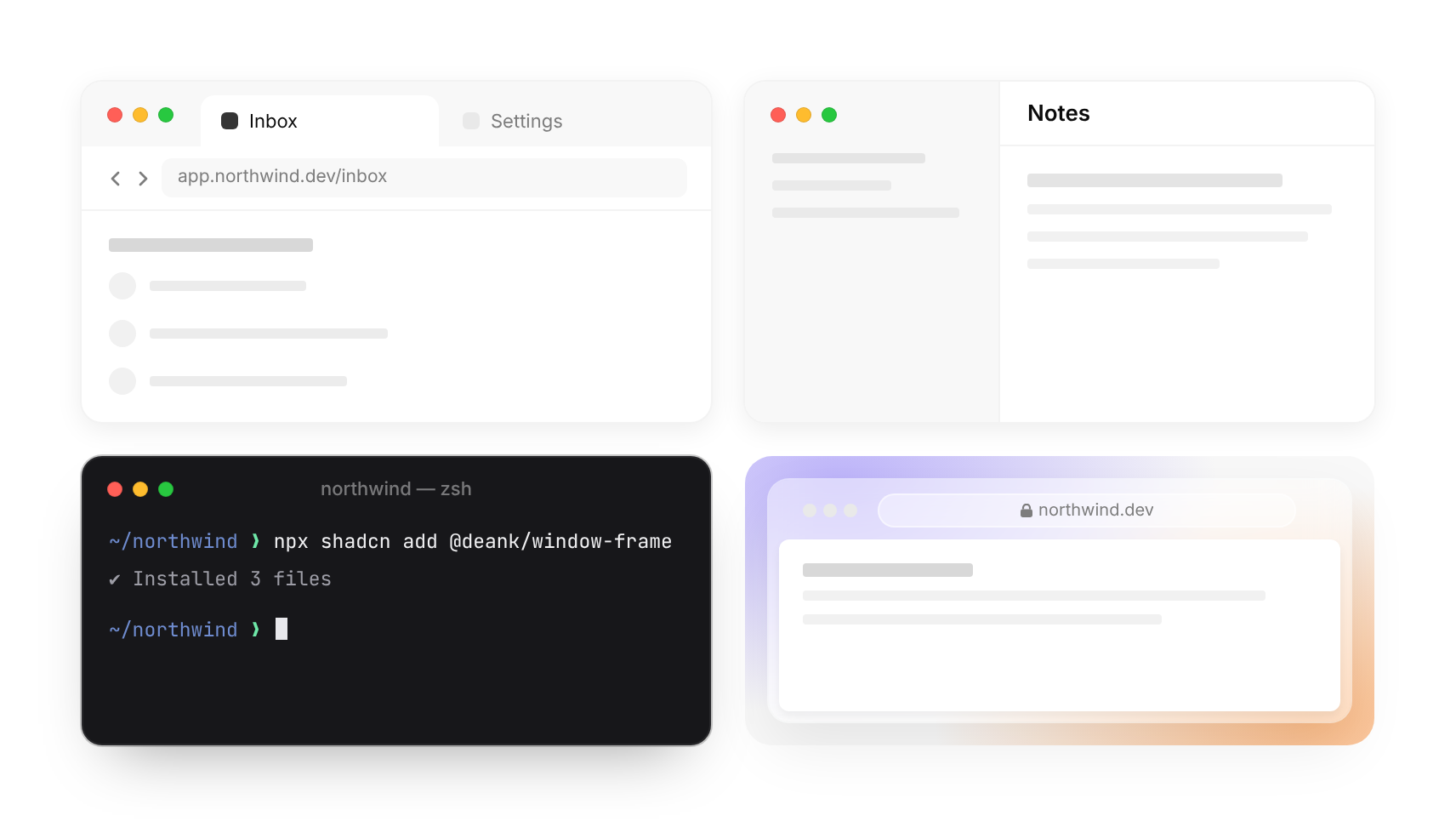
Usage
import { WindowFrame } from "@/registry/components/window-frame/window-frame";

<WindowFrame>Label</WindowFrame>
Props
| Prop | Type | Default | Description |
|---|---|---|---|
url? | ReactNode | Browser: the address. A string or any node. | |
urlShape? | "rounded" | "pill" | "rounded" | Browser: round address field (current Safari / Chrome) instead of the rounded rectangle. |
nav? | boolean | Browser: back and forward chevrons before the address. | |
tabs? | ReactNode[] | Browser: tab titles above the address bar; activeTab is highlighted (default the first). | |
activeTab? | number | 0 | |
title? | string | App: the window title, centred in the bar (left-aligned beside a sidebar). Terminal: the dim centred title. | |
sidebar? | ReactNode | App: a full-height sidebar; the traffic lights sit in its top, like Mail, Notes, Linear or Slack. | |
sidebarWidth? | number | 180 | |
toolbar? | ReactNode | Controls at the right end of the bar (buttons, avatars, a share button). | |
chrome? | WindowChrome | "native" | native (default), terminal (dark, no rule under the bar), glass (frosted browser frame, page as an inset card). |
lights? | "color" | "grey" | "color" | Traffic-light colours: macOS colours (default) or quiet grey. |
receded? | boolean | Fade the window back so another window in front reads as the subject. | |
bodyProps? | HTMLAttributes<HTMLDivElement> | Props for the content area under the bar. | |
children? | ReactNode |
When to use
Framing a product screenshot or a faked UI in a landing page, docs, changelog, blog post or social image: a browser for web apps, an app window for desktop tools, a terminal for CLI install steps. Pair with WindowBar skeletons when the content is illustrative, not real.
When not to use
Real application layout (this is decoration around content, not an app shell; use nav-sidebar for real navigation); phone mockups; framing code you want people to copy (use code-block).