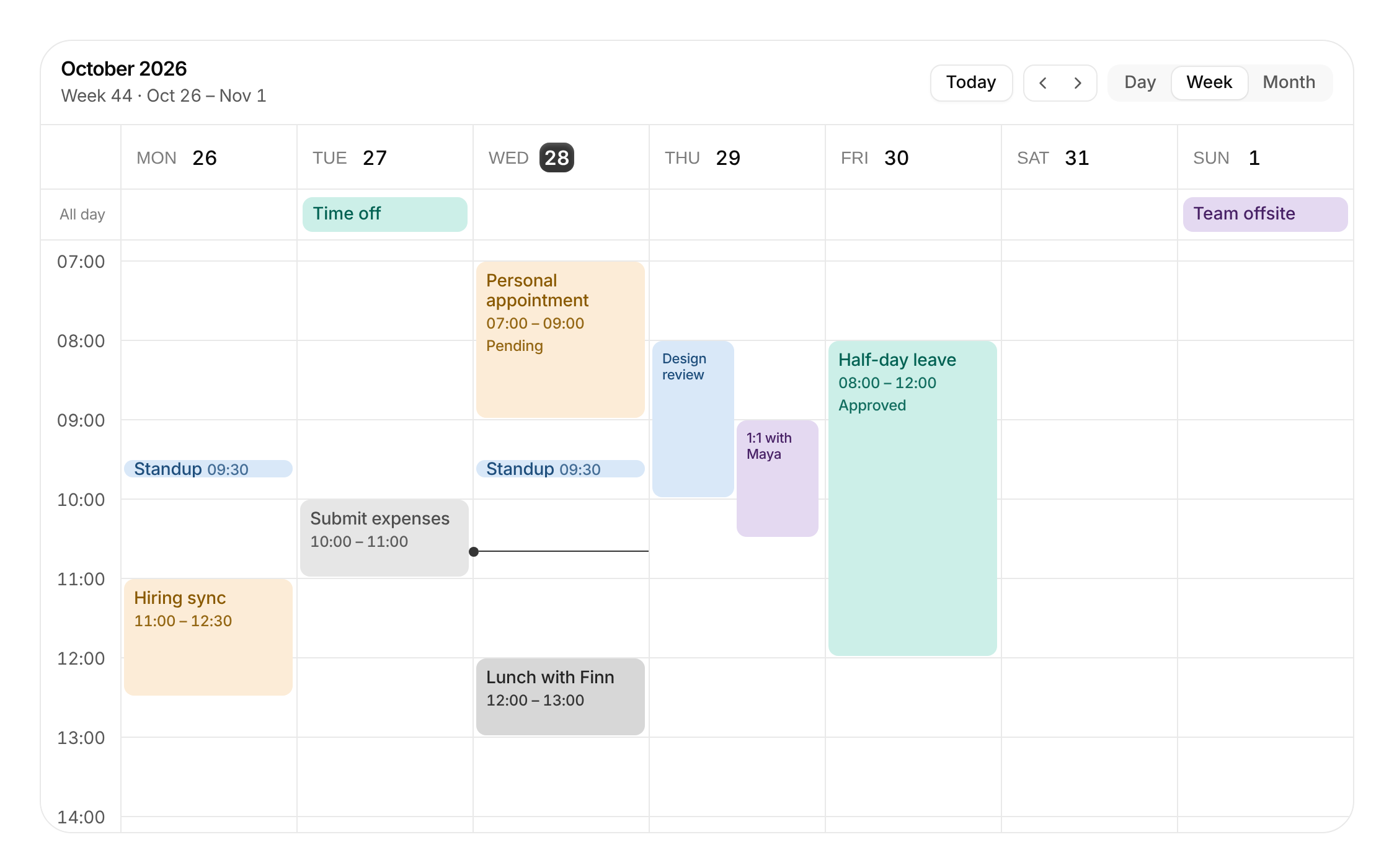
Usage
import { EventCalendar } from "@/registry/blocks/event-calendar/event-calendar";

<EventCalendar events={[/* … */]} />
Props
| Prop | Type | Default | Description |
|---|---|---|---|
events | CalendarEvent[] | ||
onEventsChange? | (events: CalendarEvent[]) => void | Called with the whole new list after a move, resize, delete or default create. Leave out for a read-only calendar | |
onCreate? | (draft: EventDraft) => void | Called when I drag out or click an empty slot. Return nothing to handle it yourself (open a dialog); without it a "New event" is added | |
onEventOpen? | (event: CalendarEvent, anchor: HTMLElement) => void | Called when an event is opened. Replaces the built-in popover | |
view? | CalendarView | ||
defaultView? | CalendarView | "week" | |
onViewChange? | (view: CalendarView) => void | ||
date? | string | Any day in the visible range | |
defaultDate? | string | ||
onDateChange? | (date: string) => void | ||
today? | string | Defaults to the real today; pin it for screenshots and tests | |
now? | number | Minutes from midnight for the now-line. Defaults to the clock (updates every minute); pass -1 to hide it | |
weekStartsOn? | 0 | 1 | 1 | |
timeFormat? | "24h" | "12h" | "24h" | |
scrollToHour? | number | 7 | Hour shown at the top edge when the time grid opens |
hourHeight? | number | 64 | Pixels per hour |
snapMinutes? | number | 15 | Minutes that drags snap to |
views? | CalendarView[] | ["day", "week", "month"] | Which views the switcher offers |
hideHeader? | boolean | Hide the header (title, today, arrows, view switcher) to embed the grid on its own | |
actions? | ReactNode | Extra controls on the right of the header, e.g. a "New event" button | |
className? | string | ||
style? | CSSProperties | ||
"aria-label"? | string | "Calendar" |
When to use
Showing and editing a schedule inside an app: bookings, shifts, time off, meetings, content calendars. Week view by default, day and month one click away. Give it `events` and `onEventsChange` and it handles creating, moving, resizing and deleting; pass `onCreate` or `onEventOpen` to use my own dialog instead.
When not to use
Picking one date in a form (use date-picker); a decorative calendar in a feature card (use empty-calendar); resource timelines or Gantt charts with many rows; recurring-event rules or time zones, which it does not model (expand them into plain events first).
Related
Date picker · Empty calendar · Segmented control · Dialog · Sheet / drawer