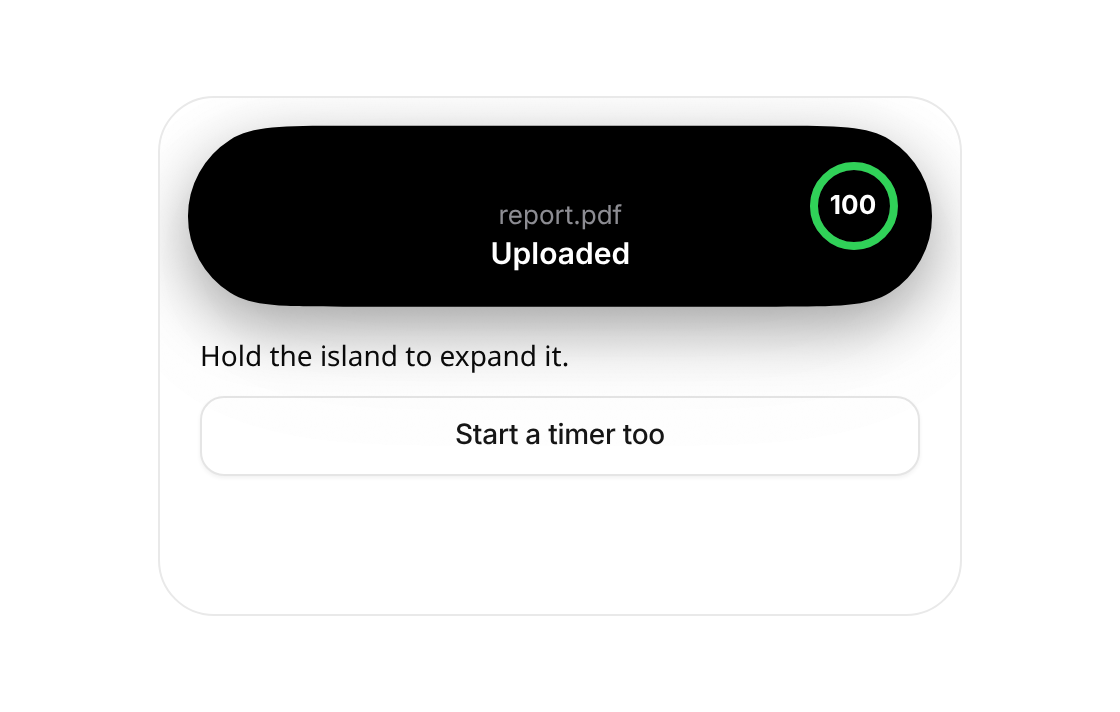
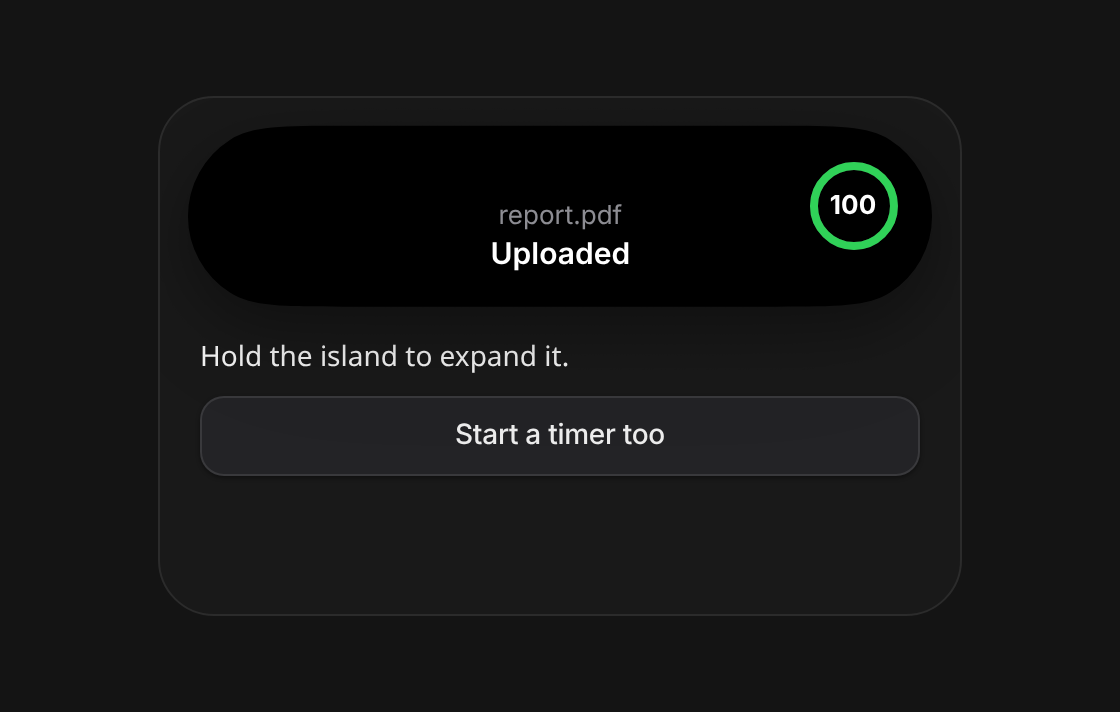
Loads the working demo right here.
Usage
import { IslandProvider, Island, IslandRing, IslandLabel, useIsland } from "@/registry/components/dynamic-island/dynamic-island";

// Mount once near the root. On desktop, pin it to the window.
<IslandProvider>
  <Island placement="viewport" />
  <App />
</IslandProvider>

// Anywhere inside:
const island = useIsland();
const upload = island.start({
  id: "upload",
  label: "Uploading report.pdf",
  compact: { leading: <FileIcon />, trailing: <IslandRing value={0.2} /> },
  expanded: { center: <IslandLabel caption="report.pdf" title="Uploading" />, trailing: <IslandRing value={0.2} size={44} /> },
});
upload.update({ compact: { trailing: <IslandRing value={0.8} /> } });
upload.update({ compact: { trailing: <IslandRing value={1} color="#30D158" /> }, alert: true });
setTimeout(() => upload.end(), 2000);
When to use
Status that lives across the whole app while people keep working: an upload or export, a running timer, a recording, a delivery or ride ETA, an incoming call, a sync. Mobile-first web apps and PWAs where a phone-native touch fits, and landing pages that show off a live product moment.
When not to use
One-off confirmations or errors (use toast); a list of things that need a decision (use decision-inbox or notification-stack); step-by-step progress inside a page (use progress-tracker); desktop apps where a pill at the top of the window would hide the title bar.