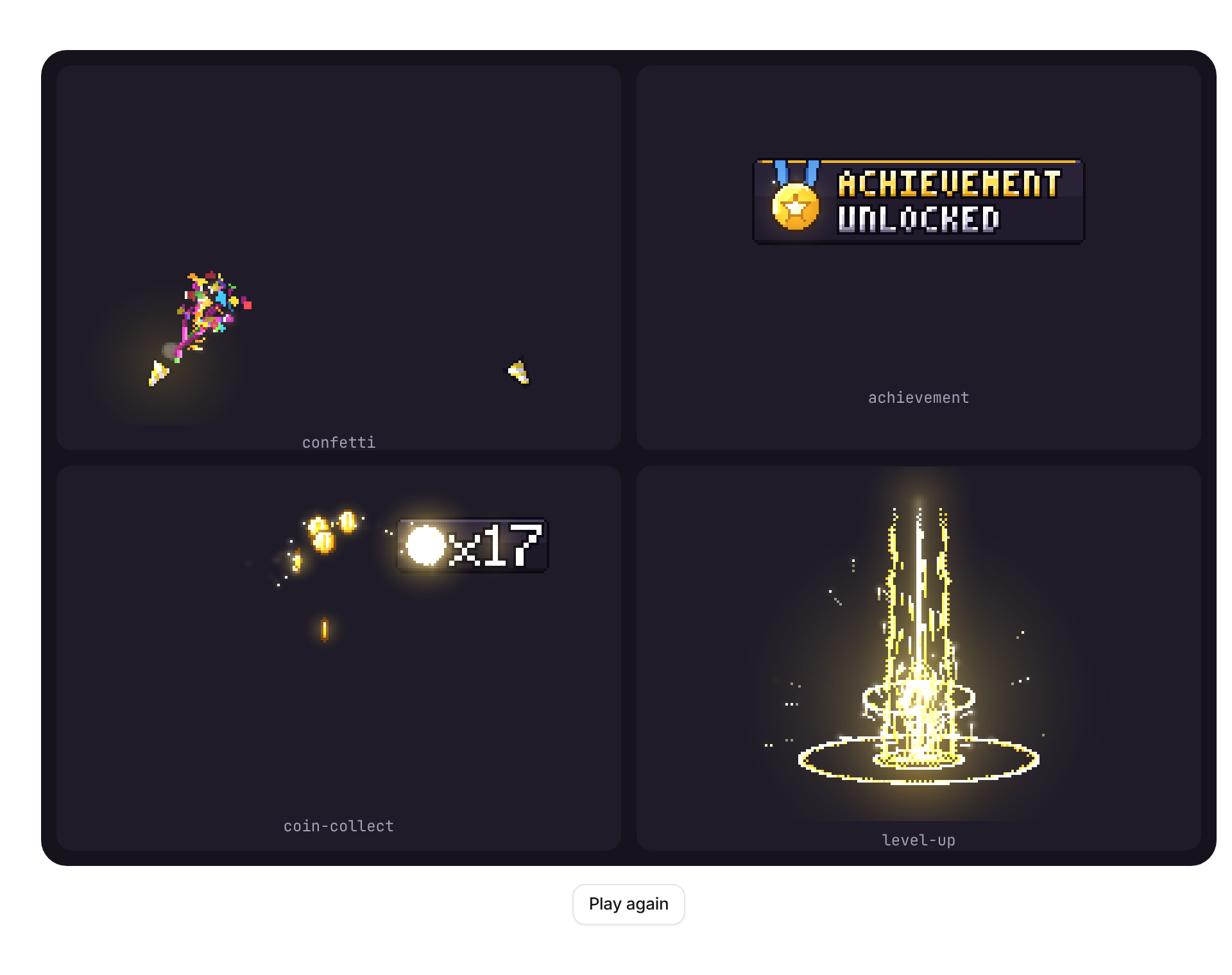
Usage
import { PixelFx } from "@/registry/components/pixel-fx/pixel-fx";

<PixelFx effect={/* … */} />
Props
| Prop | Type | Default | Description |
|---|---|---|---|
effect | PixelFxId | Which effect to play. | |
trigger? | string | number | boolean | null | Change this value (a counter, an id, a timestamp) to play the effect again from the start. | |
autoPlay? | boolean | true | Play once on mount. When false the effect waits for trigger to change. |
loop? | boolean | false | Start again as soon as it ends (for previews and empty states, not for rewards). |
scale? | number | 3 | Screen pixels per art pixel. Whole numbers keep the pixels crisp. |
text? | string | The words or number the effect shows: "-27" for damage-number, "128!" for crit-number, "LEVEL UP!" for level-up. | |
label? | string | The small word next to the number: "COMBO" for combo-counter, "CRIT" for crit-number. | |
count? | number | combo-counter: the multiplier; coin-collect: how many coins. | |
palette? | string[] | A colour ramp from darkest to lightest (hex). Any length; it is resampled to the effect's own. | |
seed? | number | Random seed: the same seed plays the same way every time. | |
flip? | boolean | Mirror left to right. | |
light? | number | Glow strength; 0 turns the additive light off (use on light backgrounds if the glow looks washed out). | |
onDone? | () => void | Called when a one-shot ends (not with loop). With reduced motion it is called straight away. | |
"aria-label"? | string | Accessible name. Without one the canvas is decorative (aria-hidden); announce the event in text elsewhere. | |
className? | string | ||
style? | CSSProperties |
When to use
A moment worth celebrating or flagging in a playful product: a finished onboarding (confetti, quest-complete), an unlocked badge (achievement), earned points (coin-collect), a streak (combo-counter), a level or plan upgrade (level-up), a 3-2-1 start (countdown), a lost life in a game or quiz (heart-lost, damage-number). Position it absolutely over the thing it celebrates.
When not to use
Serious or dense tools (finance, admin, settings), errors that need reading, or anything that repeats every few seconds. For a quiet success use toast; for click feedback use click-spark; for smooth, non-pixel confetti look elsewhere. It does not announce anything to screen readers by itself.