Usage
import { LineArtWalker } from "@/registry/components/line-art-walker/line-art-walker";

<LineArtWalker style={{ maxWidth: 560 }} />

{/* No street, a slower stroll, a custom label */}
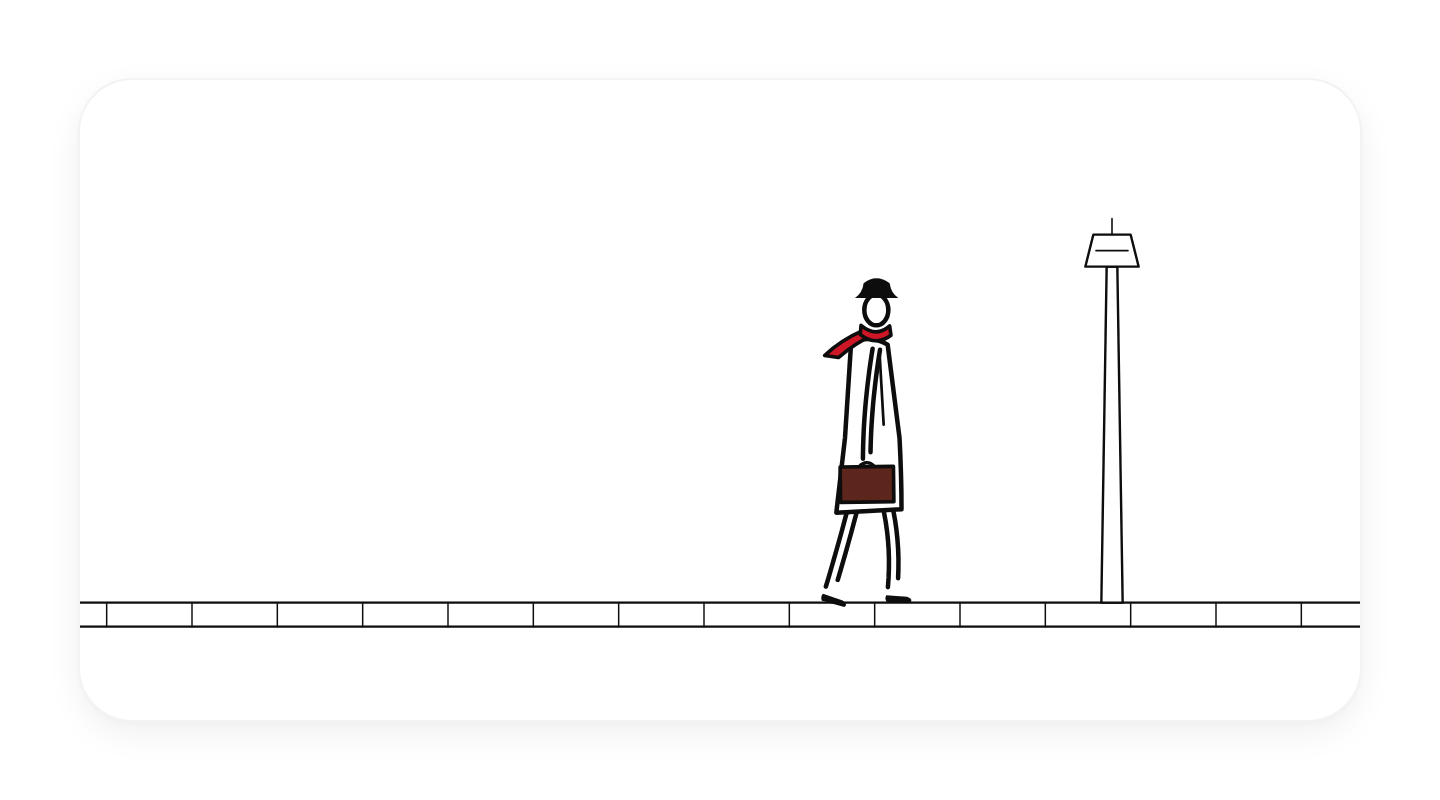
<LineArtWalker street={false} speed={0.7} label="A man strolling home with his briefcase" />

{/* Retint: scarf and briefcase are CSS variables */}
<LineArtWalker style={{ ["--line-art-scarf" as string]: "var(--success)" }} />
Props
| Prop | Type | Default | Description |
|---|---|---|---|
street? | boolean | true | Draw the kerb, paving and lamp post behind him. Default true. |
animate? | boolean | true | Animate. With false, or under prefers-reduced-motion, it draws one still frame. Default true. |
interactive? | boolean | true | Let people tip his hat with a click, a tap, or Enter / Space when the drawing has focus. Default true. |
speed? | number | 1 | Walking speed multiplier. Default 1. |
label? | string | "Line drawing of a man walking with a briefcase" | Accessible description of the drawing. |
className? | string | ||
style? | CSSProperties |
When to use
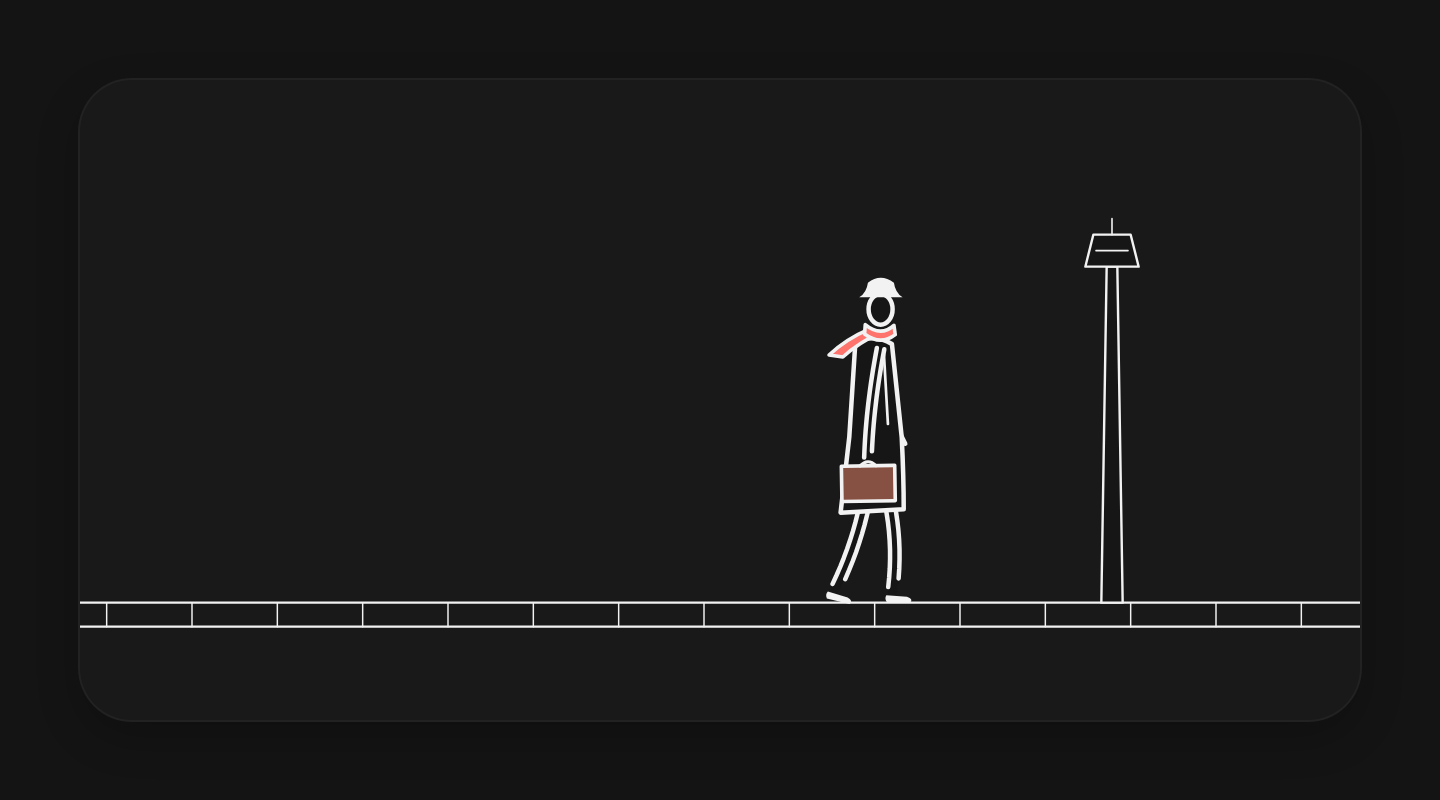
A calm, characterful illustration for a hero, a 404 or empty state, an about page, a footer or a loading screen where a little hand-drawn life beats a stock graphic. Also the starting point for your own ink figures: lib/ has the limb, shoe, gait and spring helpers.
When not to use
Dense app screens or task flows where constant motion distracts; brand illustration in a different style (use hairline-figure for isometric line art, iso-figure for solid explainers); anywhere a static image would do and bundle size matters.