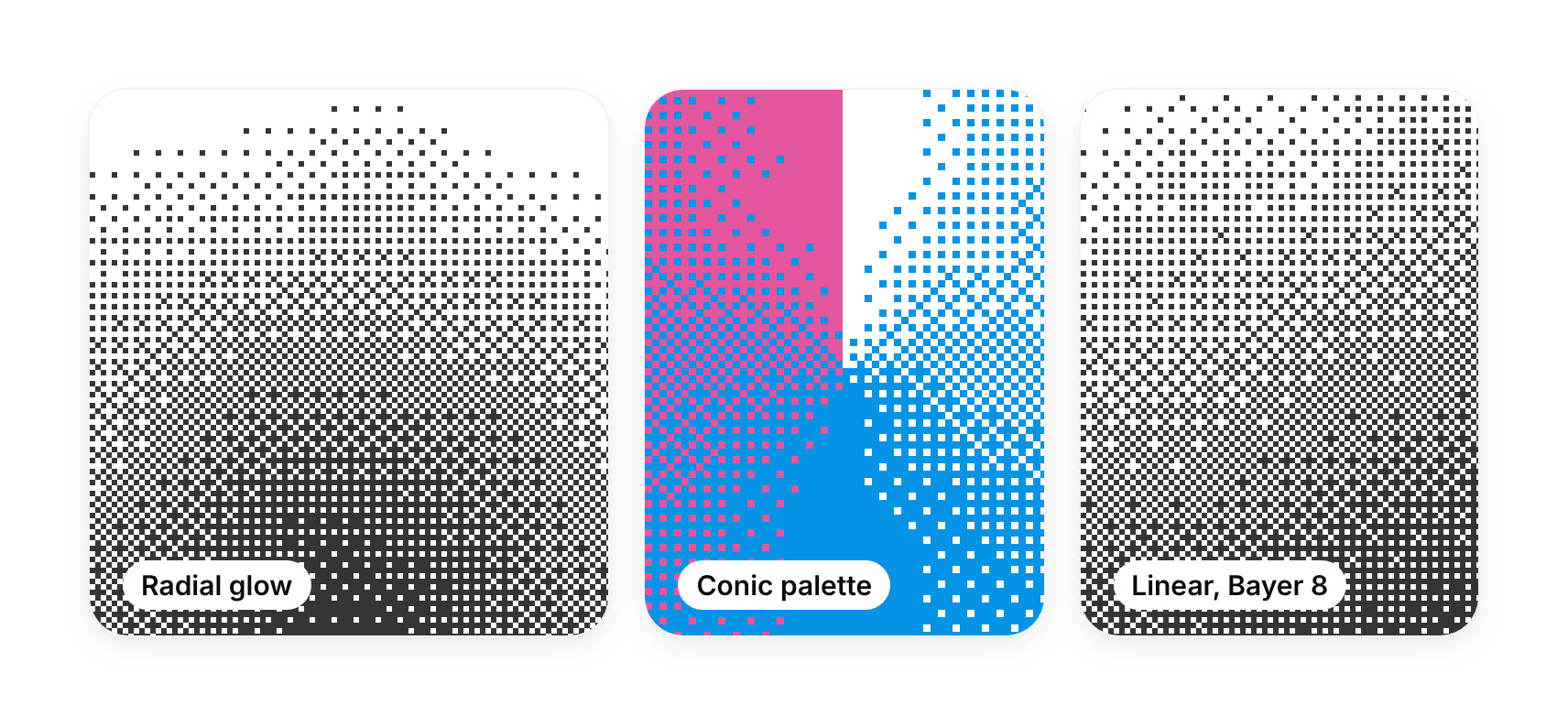
Usage
import { DitherGradient } from "@/registry/components/dither-gradient/dither-gradient";

<DitherGradient />
Props
| Prop | Type | Default | Description |
|---|---|---|---|
from? | number | Tone at the start of the gradient, 0 (paper) to 1 (ink). Default 0. | |
to? | number | Tone at the end of the gradient. Default 1. | |
noise? | number | How far a slow noise drift bends the bands, 0 to 1. Default 0.12. | |
cover? | boolean | Fill the nearest positioned parent (position: absolute; inset: 0). Default true. |
When to use
A textured, retro or print-like backdrop behind a hero, a card, a pricing tier or an empty state; a sunrise glow at the bottom of a section (radial from the bottom edge); a loading or brand panel that should feel crafted rather than a flat CSS gradient. `DitherShader` takes your own GLSL field for anything else dithered.
When not to use
Smooth soft colour washes (aurora-background, a CSS gradient); behind long body text without a solid panel; pages that already run several WebGL canvases (each shader holds a WebGL context, capped at a handful live).
Related
Aurora background · Grid background · Progressive blur · Dotted sphere